Lookeen_Backup6.35
Publisher Description
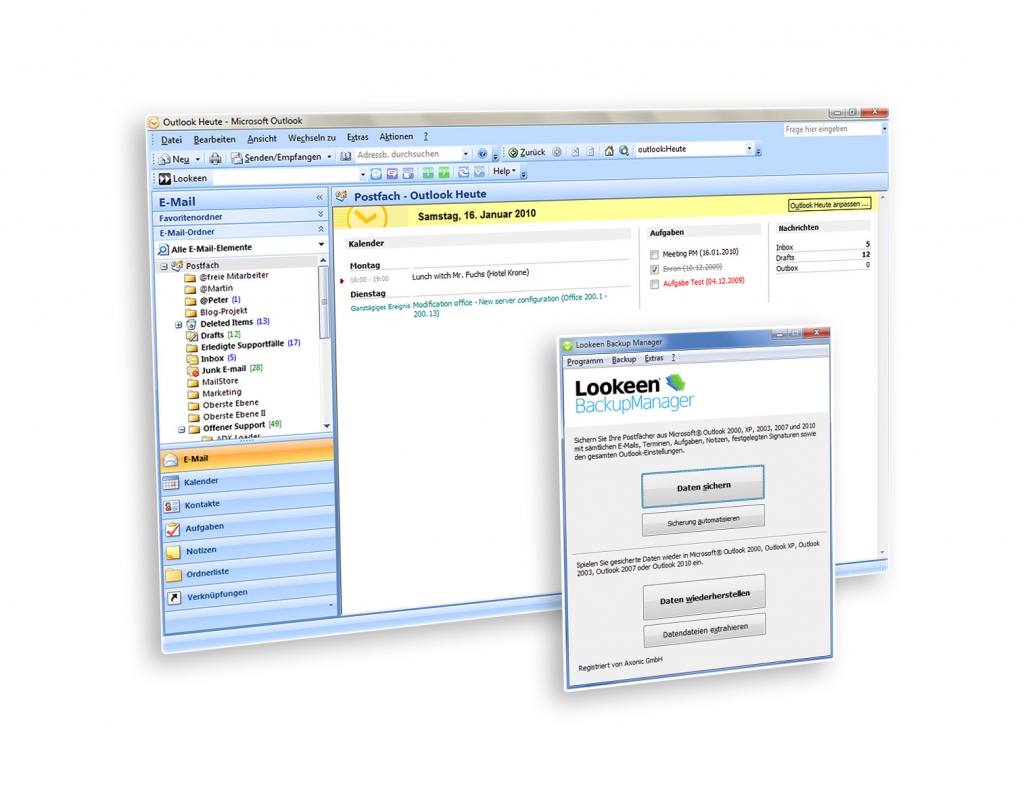
Lookeen Backup Manager - Backup solution for Outlook
Backup regularly your emails and settings from Microsoft Outlook! Restore your Outlook e-mail, contacts, calendar, tasks, notes and more by using the Lookeen Backup Manager.
Lost all emails and contacts? A crashed program, one wrong click and it seems you lost all your sensitive data? The nightmare of any business. This must not be more! With the Lookeen Backup Manager you can help protect against accidental data loss - reliable and safe!
This Backup software archives your Emails, contacts, tasks, notes, rules, Email accounts, signatures and favorites of your Browsers (IE, Firefox, Opera, Safari, Chrome) and your data banks of your Business Contact Manager.
This program guides you on every single step, leading you through the options of the files needing a backup on a clearly arranged way. You decide yourself, which files will be backed to what extent and if they will be password protected.
With the 1:1 image function you can even carry a complete copy of an Outlook profile on to a different computer.
About Lookeen_Backup
This Other Email Tools program is available in English, German. It was last updated on 29 September, 2026. Lookeen_Backup is compatible with the following operating systems: Windows.
The company that develops Lookeen_Backup is Axonic Informationssysteme GmbH. The latest version released by its developer is 6.35. This version was rated by 2 users of our site and has an average rating of 4.5.
The download we have available for Lookeen_Backup has a file size of 1.0 MB. Just click the green Download button above to start the downloading process. The program is listed on our website since 2011-03-28 and was downloaded 121 times. We have already checked if the download link is safe, however for your own protection we recommend that you scan the downloaded software with your antivirus. Your antivirus may detect the Lookeen_Backup as malware if the download link is broken.
How to install Lookeen_Backup on your Windows device:
- Click on the Download button on our website. This will start the download from the website of the developer.
- Once the Lookeen_Backup is downloaded click on it to start the setup process (assuming you are on a desktop computer).
- When the installation is finished you should be able to see and run the program.
